
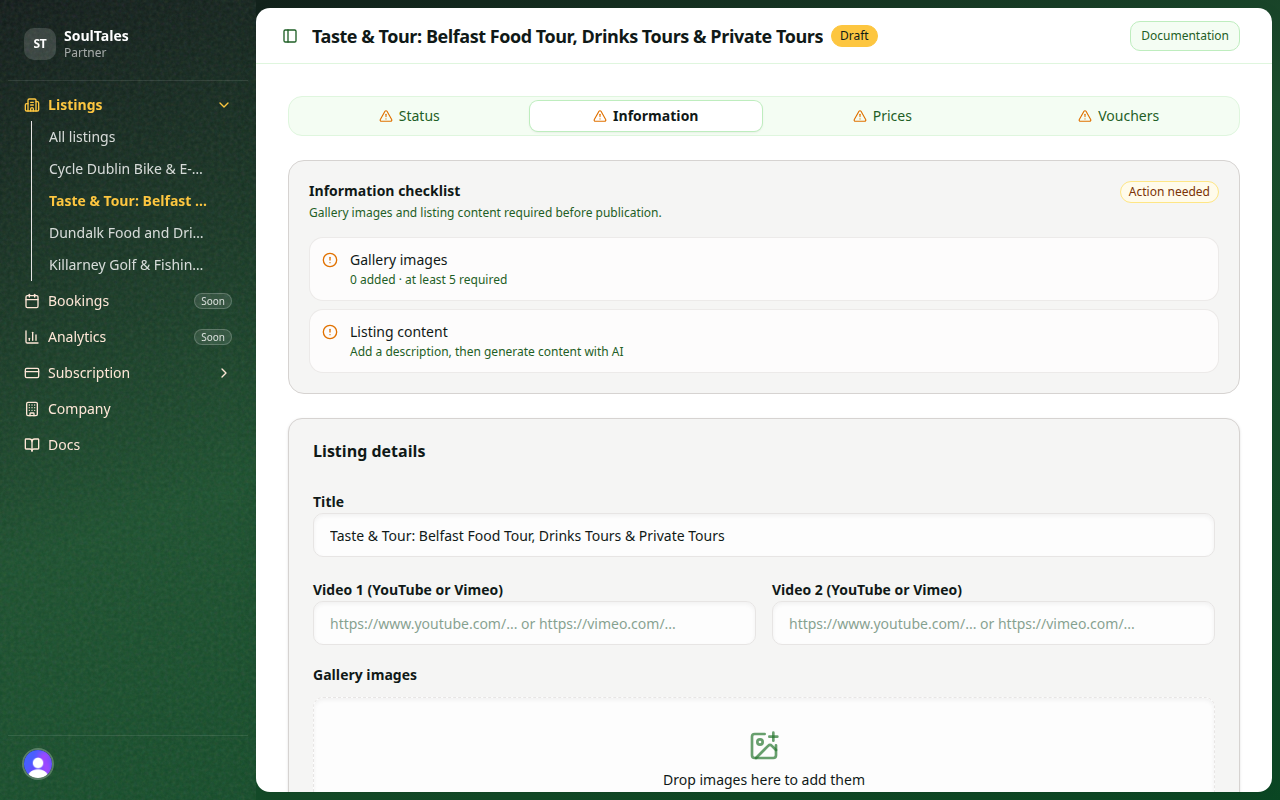
High-quality images help travellers choose your experience. SoulTales enforces file rules at upload; follow our quality tips for the best results.
Listing gallery — enforced rules
Section titled “Listing gallery — enforced rules”| Rule | Value |
|---|---|
| Minimum images to publish | 5 |
| Maximum file size | 2 MB per image |
| Accepted formats | PNG, JPEG, WEBP |
There is no maximum number of gallery images. Drag to reorder — put your strongest image first.
Listing gallery — recommended
Section titled “Listing gallery — recommended”These are not enforced by the uploader but significantly improve how your listing looks:
| Tip | Recommendation |
|---|---|
| Aspect ratio | Landscape 16:9 or 4:3 |
| Resolution | At least 1600 px wide |
| Lighting | Natural light, consistent exposure across the set |
| Subject | Show the experience, space, or product — not just logos |
| Text overlays | Avoid heavy text or watermarks |
| Variety | Mix wide shots, detail shots, and people enjoying the experience |
Vendor profile images
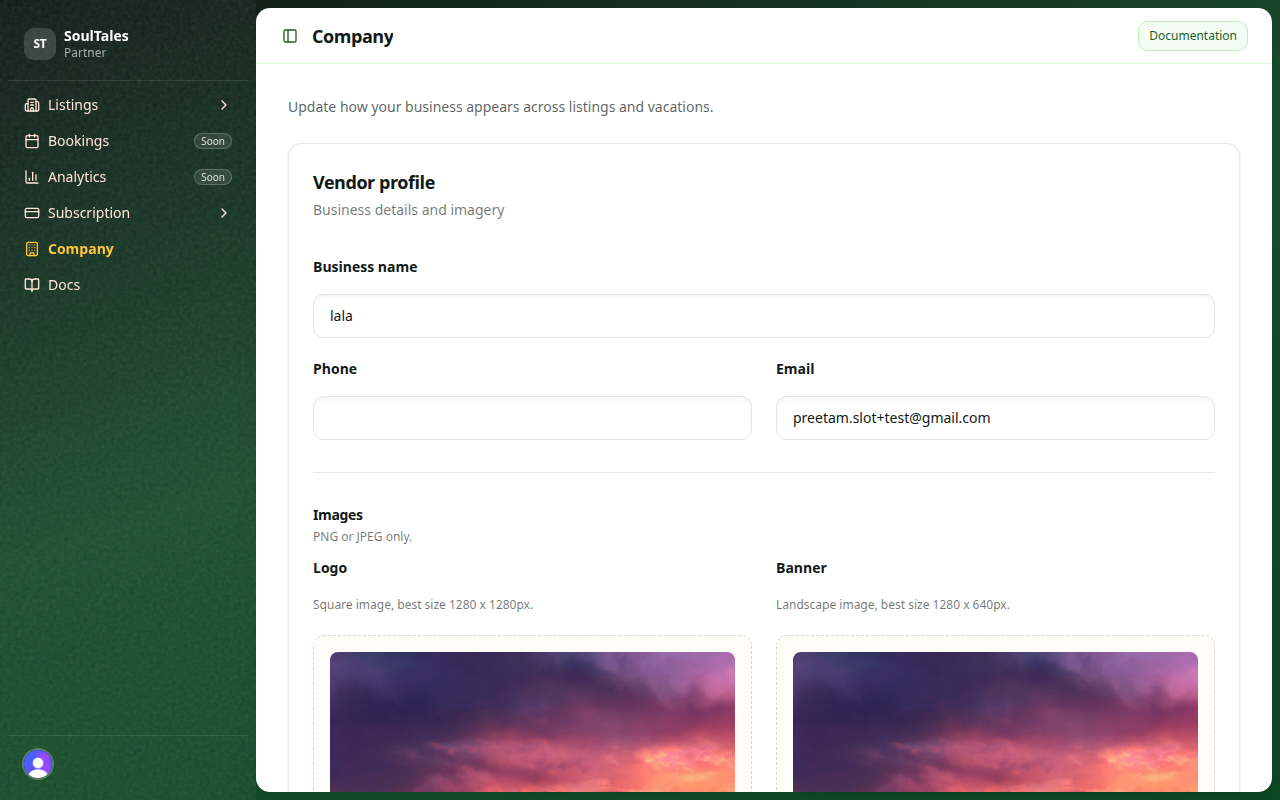
Section titled “Vendor profile images”Under Settings, upload a thumbnail and banner for your vendor profile.
| Rule | Value |
|---|---|
| Formats | PNG or JPEG only |
| Maximum file size | 15 MB per image |
Use a clear logo or portrait for the thumbnail and a wide brand or location shot for the banner.
Before you upload
Section titled “Before you upload”- Compress large files to stay under 2 MB (gallery) without visible quality loss
- Crop to a consistent aspect ratio across the set
- Remove duplicate or blurry shots — five strong images beat ten mediocre ones