
Vouchers are optional but recommended. They give SoulTales members an exclusive offer they can redeem when booking with you.
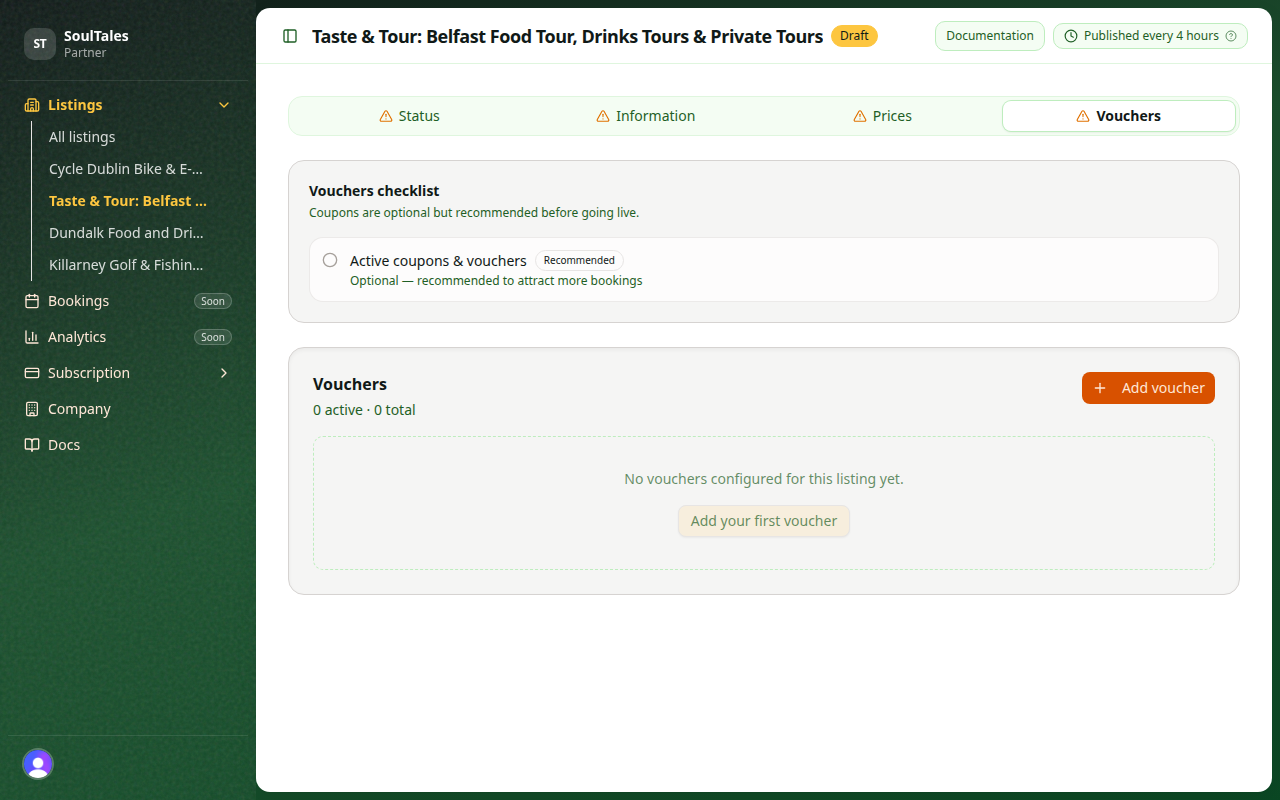
Create a voucher
Section titled “Create a voucher”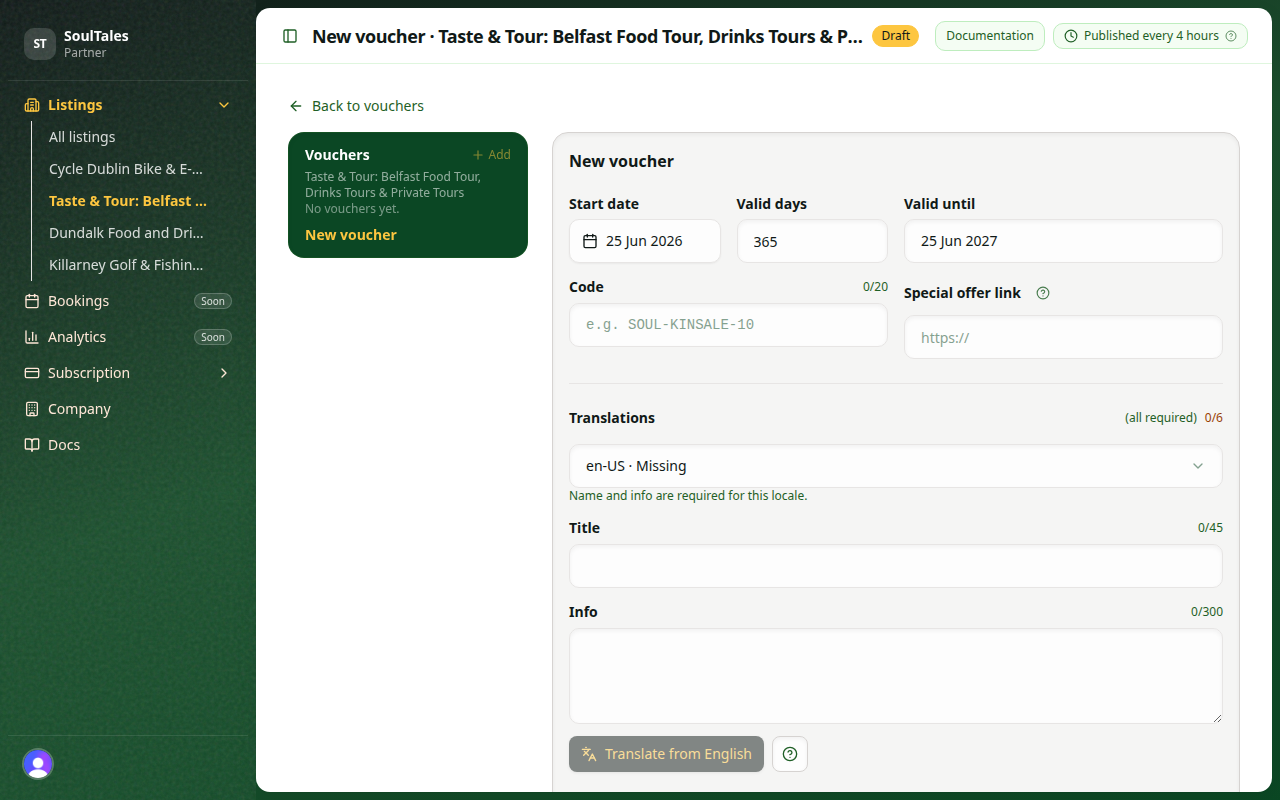
| Field | Rule |
|---|---|
| Coupon code | Required, max 20 characters |
| Name | Required per locale, max 45 characters |
| Info | Required per locale, max 300 characters |
| Valid from | Cannot be in the past |
| Valid for | 1–3650 days (default 365) |
| Special offer link | Optional HTTPS URL with pre-applied promo |
All configured locales need a translated name and info. English is the source language for AI-assisted translation.
Translate from English
Section titled “Translate from English”After you fill in the English Title and Info, use Translate from English below the info field to draft the other five languages (Dutch, German, French, Spanish, and Italian) in one step.
- Select English in the language dropdown and write your source copy.
- Click Translate from English (the button with the languages icon).
- Switch each locale in the dropdown and review the draft — edit anything that needs adjusting.
- Click Save changes when every locale shows as complete.
The progress label at the top of the Translations section shows how many locales still need a name and info.
Special offer link
Section titled “Special offer link”If your booking system supports promo URLs, paste a link where the voucher code is already applied. Travellers land directly on your checkout with the discount active.
Active vouchers
Section titled “Active vouchers”A voucher is active when the current date falls between its start date and end date. Inactive vouchers remain in your dashboard but are not shown to members.
Archive
Section titled “Archive”You can archive vouchers you no longer offer. Archived vouchers are not displayed publicly.
Public voucher page
Section titled “Public voucher page”Each published voucher has a unique public URL members can open on mobile. Share this link in your marketing if you run SoulTales-exclusive campaigns.
See Vouchers and discounts best practices.
Next step
Section titled “Next step”When your listing is complete, request publication.