
Once approved, you receive an email with a personal activation link. Payment creates your vendor profile and draft listings in the dashboard.
Activation link
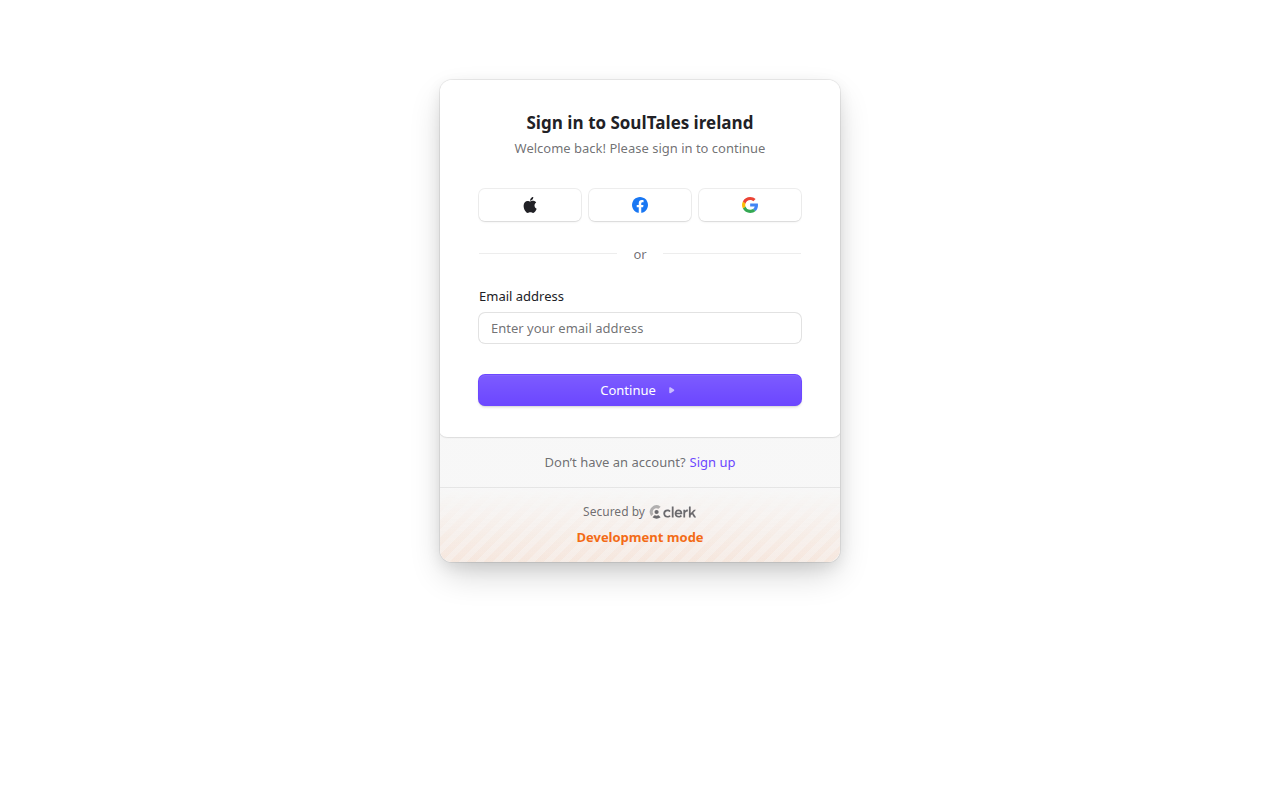
Section titled “Activation link”The email link goes to /activate/{token} — a secure, one-time page showing:
- Your approved listings
- Assigned pricing for each listing
- Any applicable trial period or promotional discount
Checkout
Section titled “Checkout”Payment is processed securely through Stripe. After successful payment:
- Your subscription is activated
- A vendor profile is created for your company
- Draft listings are created for each approved listing
- You are redirected to the partner dashboard
Trial period
Section titled “Trial period”Some partners receive a trial period (commonly 30 days) before the first charge. Your activation page shows the exact terms for your account.
What you can do next
Section titled “What you can do next”From the dashboard you can:
- Complete listing information, gallery, and multilingual content
- Add prices and optional vouchers
- Request publication when your checklist is complete
Start with Your listings overview.