
Upload gallery images, add source text, and generate multilingual listing content.
The Information tab is where you build what travellers see — photos, descriptions, and optional videos.
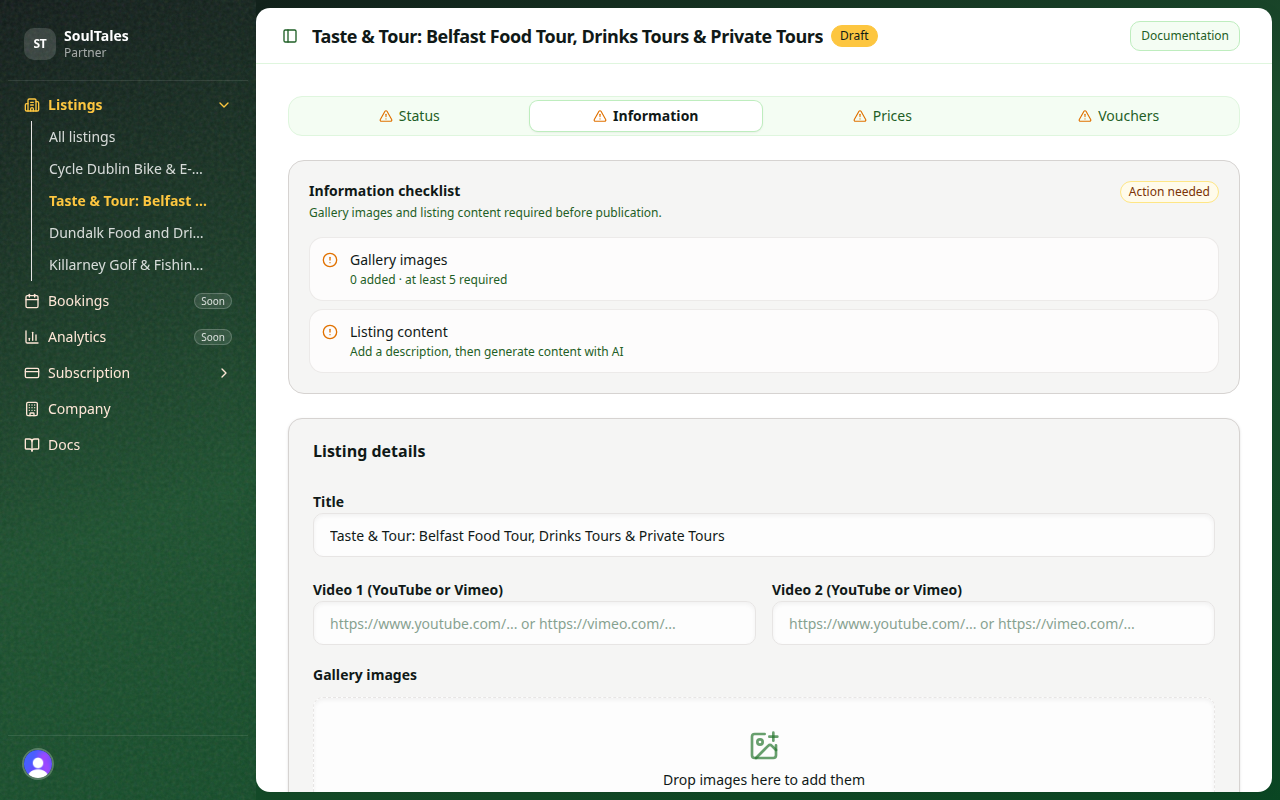
Gallery images
Section titled “Gallery images”Upload at least 5 images before you can request publication.
| Rule | Value |
|---|---|
| Minimum images | 5 |
| Maximum file size | 2 MB per image |
| Formats | PNG, JPEG, WEBP |
Drag images to reorder them. The first images appear most prominently on your listing.
See Image best practices for recommended dimensions and quality tips.
Source information
Section titled “Source information”Provide factual details about your experience — what guests do, what makes it special, location highlights, and practical information. This text is used to generate your listing description.
- Maximum 9,000 characters
- Do not include pricing, contact details, or external booking links in source text
- Write clearly; the AI uses this as the basis for all language versions
Click Generate with AI to create name, intro, and body text in every supported locale.
For prices and vouchers, use Translate from English on each form after filling in the English fields — see Prices and Vouchers.
Content requirements
Section titled “Content requirements”Before publication, every locale must have:
| Field | Minimum |
|---|---|
| Name | 2 characters |
| Intro + body combined | 40 characters |
Supported locales: English, Dutch, German, French, Spanish, and Italian.
Videos (optional)
Section titled “Videos (optional)”You may add YouTube or Vimeo videos to enrich your listing. Videos are optional for publication.
Next step
Section titled “Next step”Add prices so travellers can see how to book.