
Register for a SoulTales partner account and wait for your profile to be provisioned.
Register at the partner portal to access onboarding and your dashboard after approval.
Before you start
Section titled “Before you start”You need:
- A valid email address you can access
- Your business or experience details ready for onboarding (you can add these in the next step)
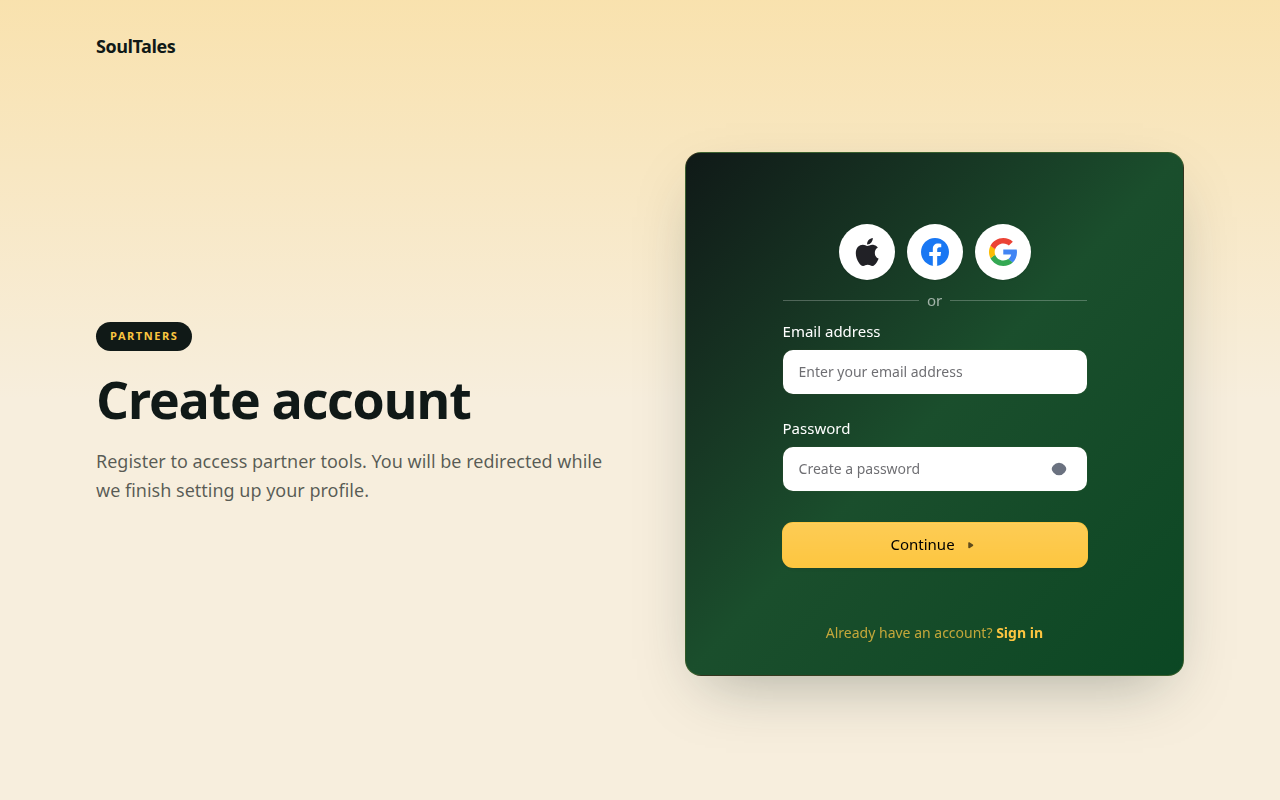
- Go to the partner portal and create your account.
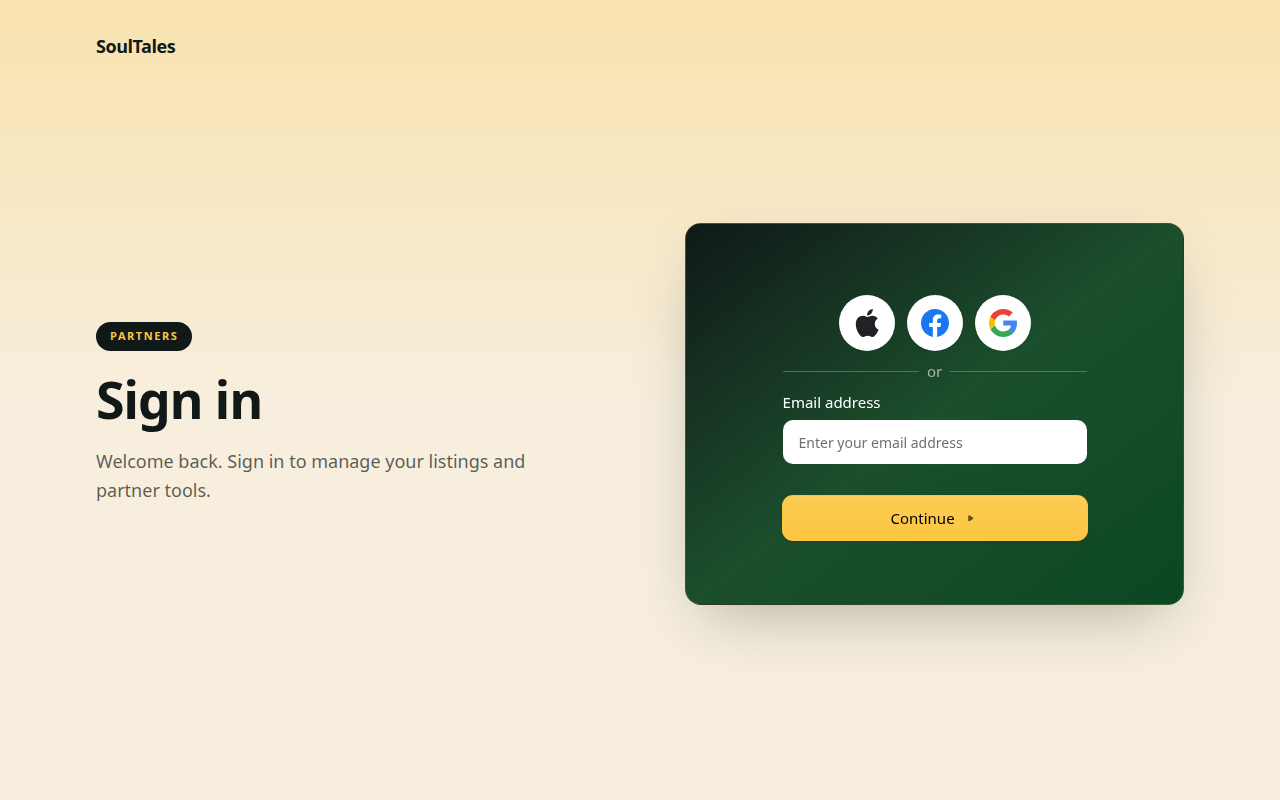
- Create your account with email and password, or use a supported social sign-in option.
- After registration, you are redirected to verify your session. The app routes you automatically based on your account state.
- If your partner profile is still being created, you land on Setting up your account. This page polls until your profile is ready — usually within a minute.
What happens behind the scenes
Section titled “What happens behind the scenes”When you sign up, your account is created and linked to our partner system. You do not need to do anything extra — once provisioning completes, you are taken to onboarding.
Next step
Section titled “Next step”Complete onboarding with your business details and first listing.