
After you submit onboarding, our team reviews your application by hand. This is not automatic — every partner on SoulTales is curated.
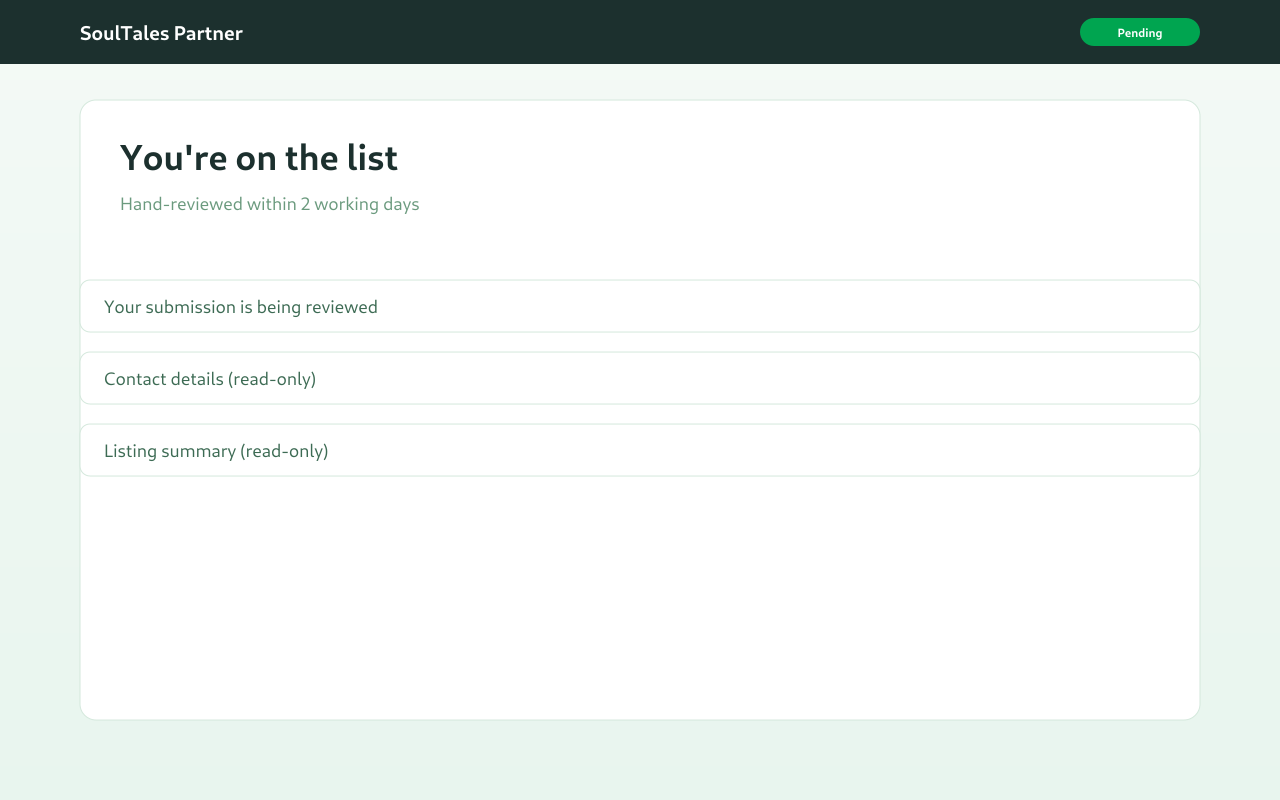
What you see
Section titled “What you see”While your application is pending:
- A Pending badge appears on your submission
- Your contact details and listings are shown read-only
- You see a message that your submission is being reviewed
We aim to complete hand-review within 2 working days.
What our team reviews
Section titled “What our team reviews”For each listing you submitted, we check:
- That the business and location are a fit for SoulTales
- Listing type and category alignment
- Quality and authenticity of the experience
Approved listings receive pricing assigned by our team (annual partnership tiers). We may also apply promotional discounts at activation checkout — these are configured by SoulTales, not by partners.
Possible outcomes
Section titled “Possible outcomes”| Status | Meaning |
|---|---|
| Pending | Under review — wait for our email |
| Approved | You receive an activation email to complete payment |
| Rejected | We will contact you with next steps |
After approval
Section titled “After approval”When your application is approved:
- You receive an email with a link to activate your partnership
- The link opens a secure checkout page with your approved listings and pricing
- Complete payment to unlock your partner dashboard
Next step
Section titled “Next step”Activate and pay to create your vendor profile and draft listings.